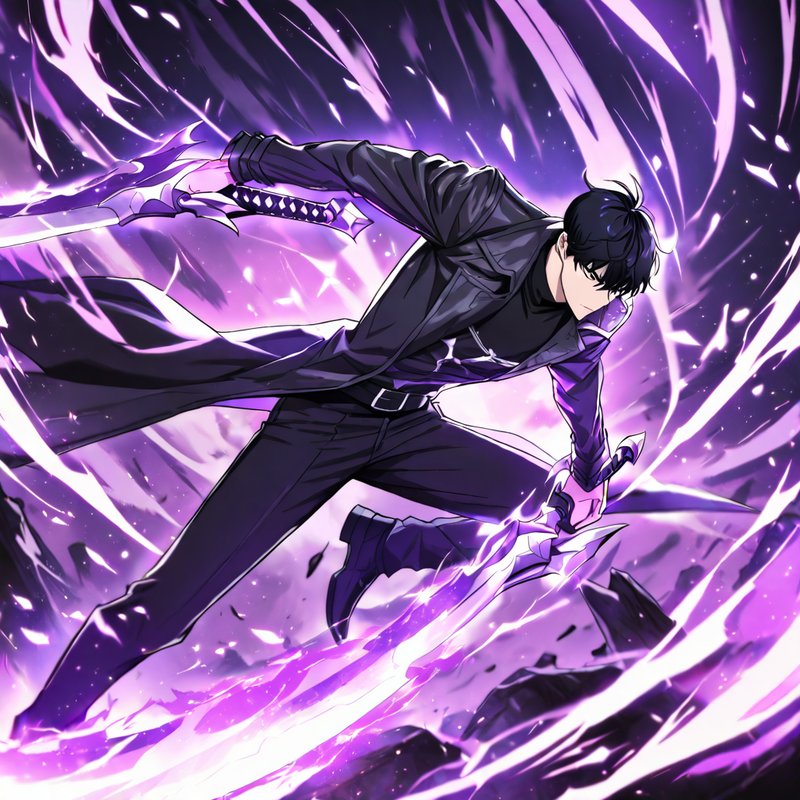
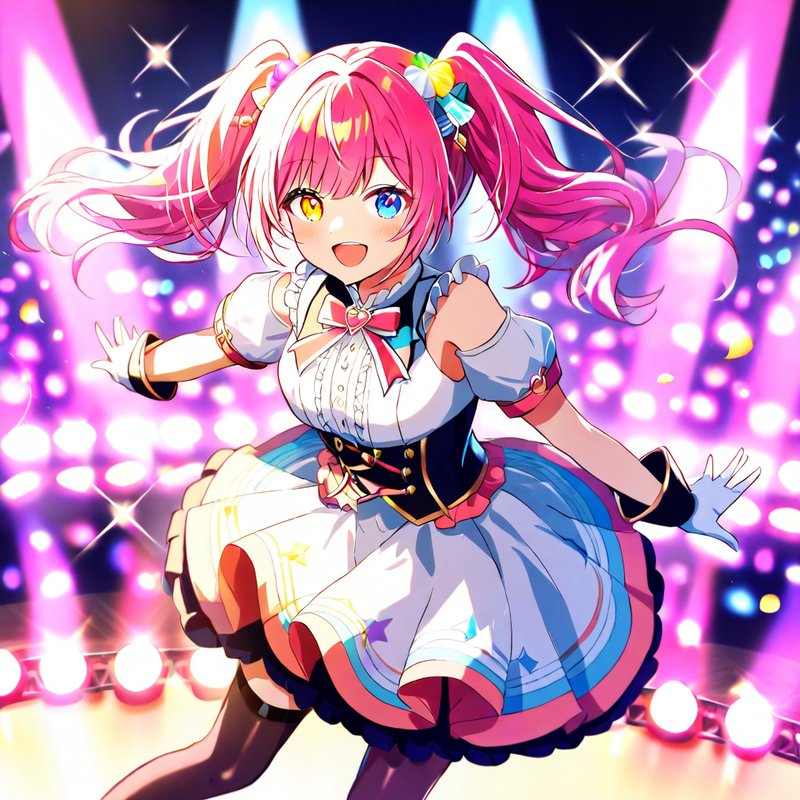
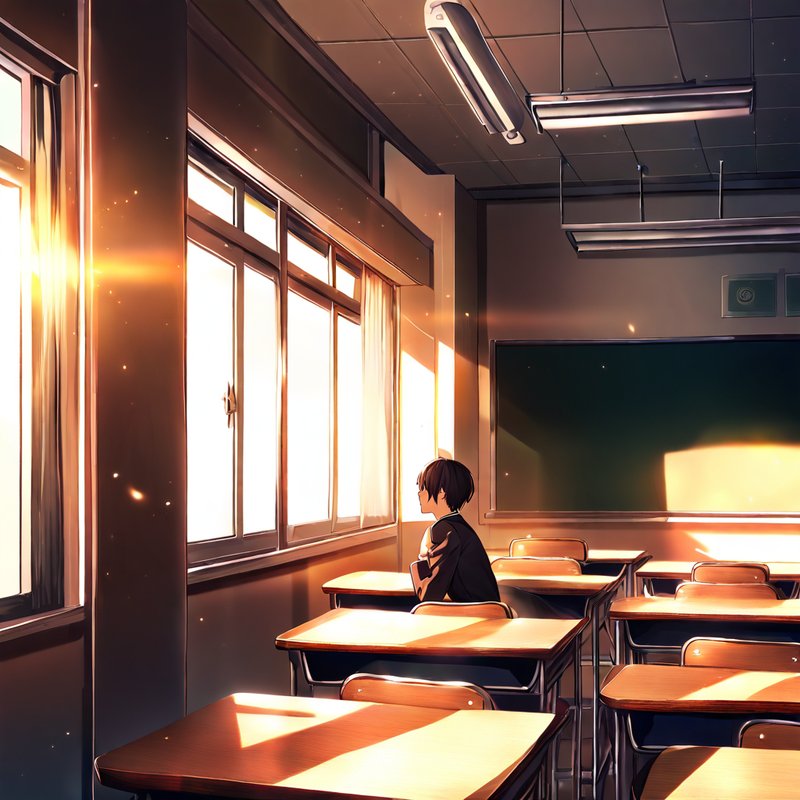
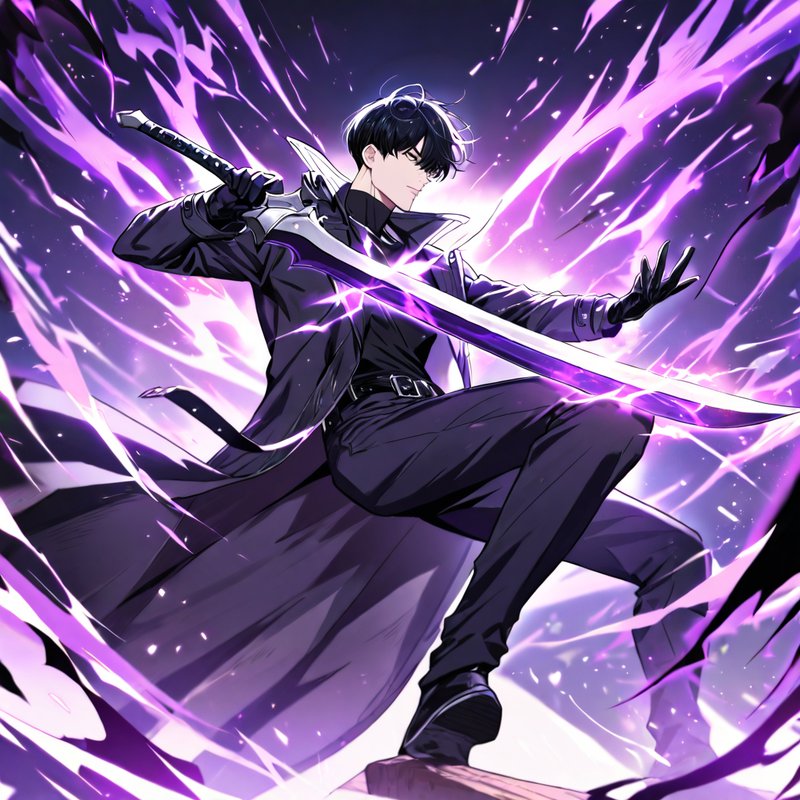
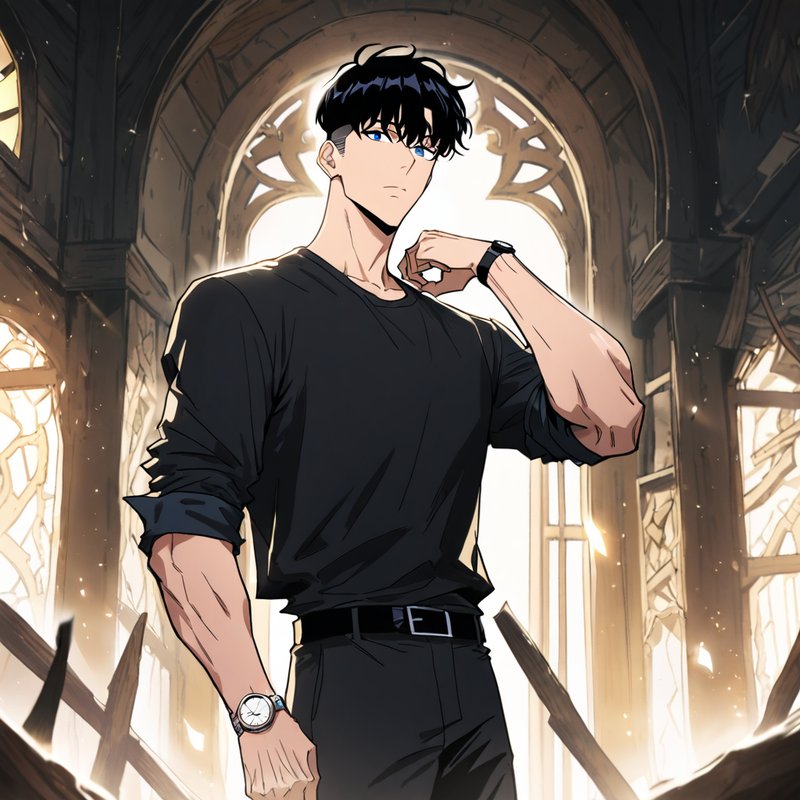
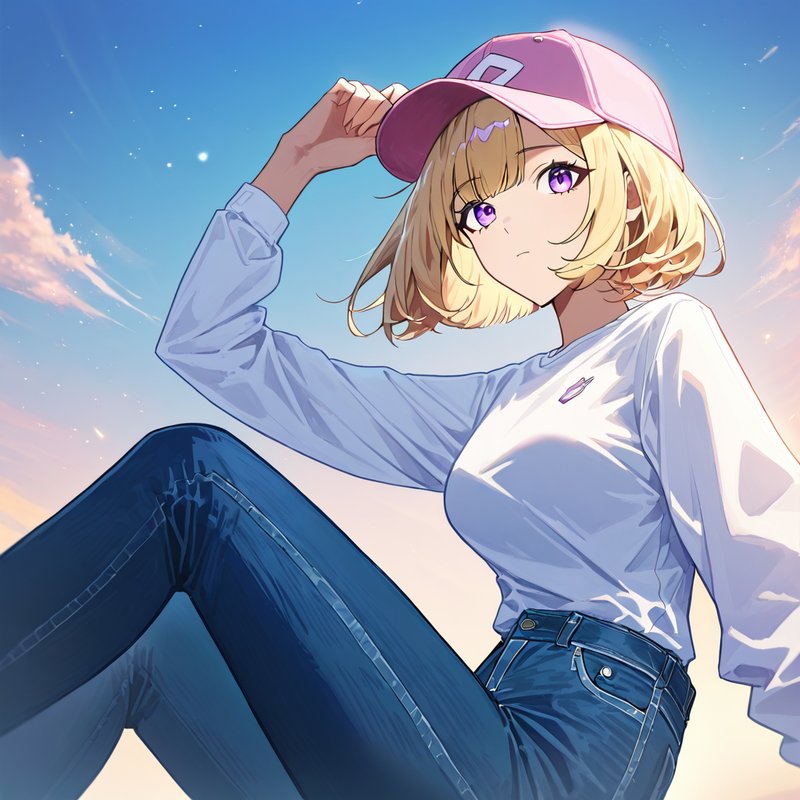
Anime art on tap.

Drop tags, get cinematic anime renders. Animagine XL 4.0 turns your prompt into 4K-ready images, with a Llama 3.3 70B chat brain on the side — all inside Discord.

XL 4.0
Animagine Model
2048×2048
Max Resolution
10
Per-Request Batch
70B
Chat Parameters
fp16
GPU Precision

From server to art in three steps

Setup takes under a minute. No configuration required.

1

Invite RickyBot

One-click OAuth — permissions are scoped, no admin role required to add the bot to your server.

2

Run a slash command

Try /generate with comma-separated tags, drop an image into /img2img, or just @mention the bot to chat.

3

Tweak and iterate

Every result gets persistent Variations, Tweak, Expand, Upscale, and Delete buttons that survive bot restarts. Seeds are baked into PNG metadata for exact reproductions later.

Image Generation

Utilizes Animagine XL 4.0 for high-resolution output. Supports advanced tagging, img2img, and custom aspect ratios up to 17:6.

AI Conversation

Powered by a natural language engine for context-aware chat. Useful for technical assistance, creative brainstorming, and prompt engineering.

System Performance

Runs on a dedicated GPU stack for low-latency inference. Features a robust server-side queue system to manage concurrent user requests.

img2img

Vision-anchored restyles

Source images are first read by Llama 4 Scout 17B, which auto-extracts booru-style tags so the subject doesn't drift mid-restyle. Tune intensity with a strength slider from 0.1 (subtle) to 0.85 (full reimagine), and aspect ratio is preserved automatically.

> /img2img image:<your.png> strength: 0.7 auto_describe: true // vision pass extracts tags // → 1girl, blue hair, neon city // → cinematic lighting, the glow generation queued

Concurrency

Smart queue with rolling ETA

One GPU, many users — handled gracefully. Per-user cap of 3 simultaneous requests prevents spam, while a rolling ETA computed from the last 20 jobs gives everyone an honest wait time. Live position updates, instant cancel, and admin-only queue clear when needed.

> /queue Position 2 / 5 eta: ~14s your active jobs: 2 / 3 ━━━━━━░░░░ 60%

AI chat

Persistent multimodal memory

Powered by Llama 3.3 70B via Groq. Each user gets a private rolling context of 30 message pairs with a 14-day TTL, persisted across restarts. Drop in up to three images and the vision model will analyze them inline. Per-server /chattiness knob controls how often the bot chimes in unprompted.

@RickyBot what tags should I add for moody lighting? RickyBot try cinematic lighting, chiaroscuro, rim light, or the glow for that signature look. drop volumetric lighting if you want fog beams.

LoRA support

Drop-in style adapters

Mix in custom LoRA weights without rebuilding the model. /generate exposes a live-autocomplete lora picker plus a lora_strength slider (0.01.5, with 0.61.0 the sweet spot). Stack a second adapter with lora2 and lora2_strength for layered style effects. Drop new .safetensors files into the loras/ folder and run /reload_loras to pick them up — no restart needed.

> /generate prompt:<tags> lora: cinematic_glow lora_strength: 0.85 // adapter loaded on the fly // → base weights untouched generation queued

Civitai integration

Discover and install LoRAs from Discord

Admins run /lora_search with a query and get the top SDXL-family results from Civitai — SFW-filtered, scoped to SDXL, Pony, Animagine, and Illustrious bases. Pick one from a dropdown and the bot streams it into loras/ with live progress edits, auto-refreshes the registry, and prints the model's trigger words. No browser tab, no manual file copy, no restart.

> /lora_search query:<cyberpunk> // SFW · SDXL/Pony/Animagine/Illustrious Pick one to install... Downloading... 42 / 144 MB Saved cyberpunk_v2.safetensors // triggers: neon, cyberpunk, futuristic

Art styles

Nine looks from one dropdown

Don't know the right tags for a hand-painted feel? The /generate style option injects them for you — pick Watercolor, Oil painting, Manga, Cel shading, Chibi, Sketch, Lineart, Flat color, or Anime coloring and the matching booru tags are folded in automatically. It skips anything your prompt already has, so styles layer cleanly on top of your own tags.

> /generate prompt:<1girl, garden> style: Watercolor // → + watercolor (medium), // traditional media generation queued

Get the most out of it

Practical how-tos for the parts that reward a little extra knowledge.

/generate · LoRAs

Lock a character or style

LoRAs are small adapters that bias the model toward a specific character, art style, or aesthetic without touching the base weights. Install one with /lora_search, then in /generate set the lora option to that file, drop the model's trigger word at the very front of your prompt, and start lora_strength at 0.8. Push toward 1.0+ if the look isn't landing; drop to 0.5 if it's overpowering your other tags. This is the cleanest way to get a consistent character across multiple generations.
/generate · prompt formula

Tag order actually matters

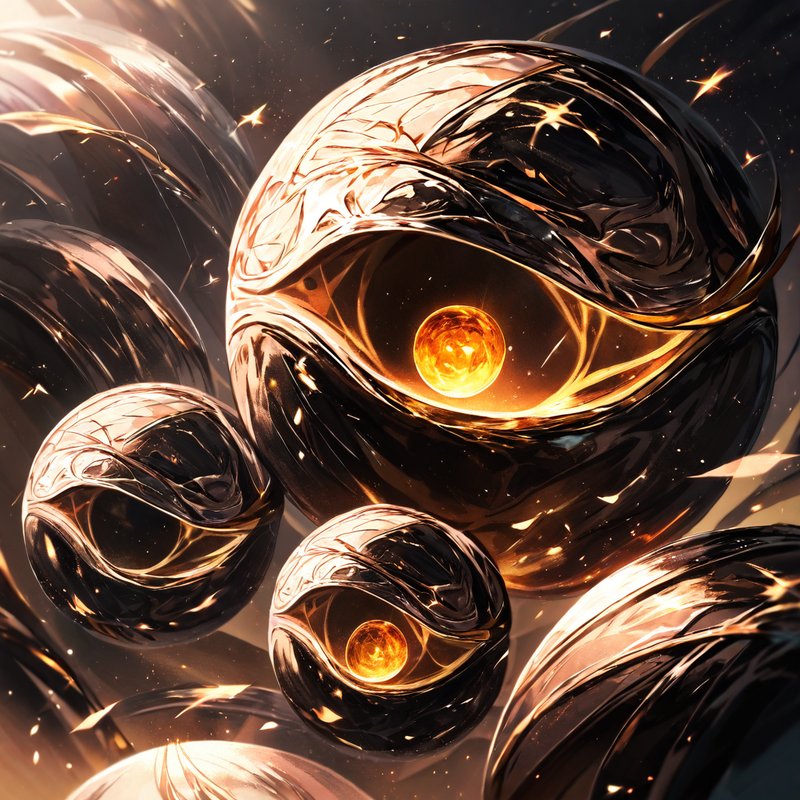
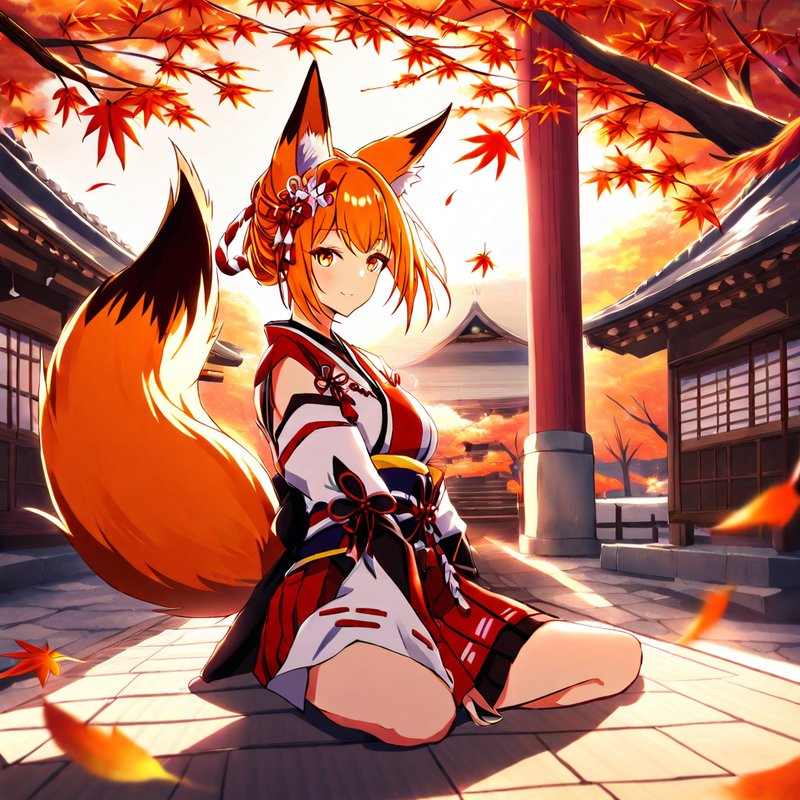
Animagine reads tags positionally — earlier tags pull harder. Use the order: subject (1girl / 1boy) → character or franchise → visual tags (hair, eyes, outfit, pose) → scene and lighting → quality boosters like masterpiece, best quality, very aesthetic, absurdres. Comma-separated, lowercase. Run /tags for ready-made snippets you can paste straight in.

/img2img

Restyle without losing the subject

The strength slider is the only knob that really matters. 0.30.5 is a colour and style pass that keeps composition intact. 0.60.7 is a true restyle that still holds the subject. 0.8+ becomes closer to a full reimagine. Leave auto_describe on so the vision model locks the source's tags in — turn it off only if you actively want the identity to drift.

Seeds · Tweak button

Surgical iteration without rerolls

Seeds are baked into every result message — that's how the bot knows which generation to redo or tweak. Hit the 🌱 Tweak button to reopen the prompt with the same seed pre-loaded, change one tag (eyes, lighting, outfit), and the rest of the image stays nearly identical. It's how you go from "almost right" to "exactly right" without burning the queue on rerolls.

Expand · Variations buttons

Let AI write the prompt, then explore

Hit 💫 Expand on any result and the bot hands your prompt to the AI, which rewrites it with richer tags and detail — you see the expanded prompt before anything generates, and can edit it further with Tweak or fire straight away. Use ✨ Variations when you like the direction but want options: it re-runs the same prompt four times with fresh seeds and posts them as a 2×2 grid you can pick from.

Technical Architecture

Built on the nextcord framework. The backend runs Stable Diffusion pipelines tuned for cinematic anime aesthetics — custom weight tuning for lighting and "The Glow" effects. AI chat runs asynchronously through Groq so generation queues stay snappy.

Built On

Animagine XL 4.0 PyTorch 2.6 CUDA 12.6 diffusers 0.32 xformers LoRA adapters Civitai API APISR upscaler Llama 3.3 70B Llama 4 Scout Groq API nextcord 3.0 safetensors